
Guide
Accessibility
We strives to ensure accessibility so that everyone can comfortably use the Investor Relations website (hereinafter referred to as the IR site). The following functions are provided to improve the browsing environment, so please use them.
Find the information you want
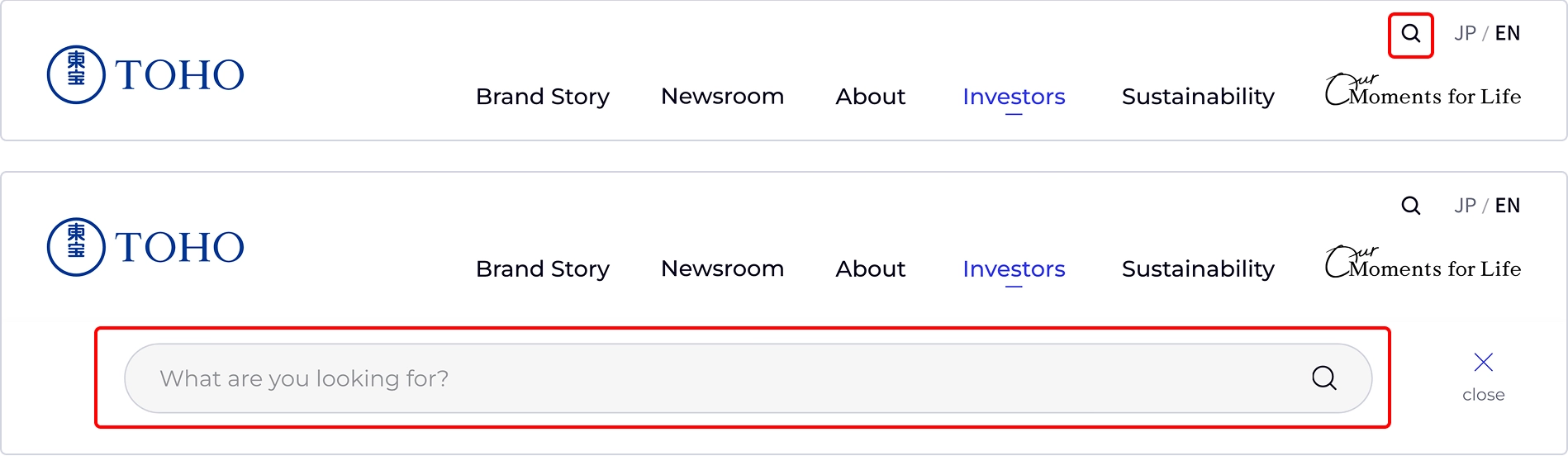
Enter the keyword you want to search in the search box at the top of the page and search. Pages that match the keywords you enter will appear in the search results.
Switch languages
English site, please press the [EN] button on the right edge of the title band (upper right corner of the screen).

Know the location of the current page
It has breadcrumb navigation at the bottom of the page, which shows the current page's location in a hierarchical structure.
Click each to go to that page. This is useful when you want to see where the page is or to go directly back to a higher level page.

| Icon | Description |
|---|---|
| Another window mark Opens the linked page in a new window. | |
 PDF: X.XMB
|
PDF Mark
The PDF file opens. |
|
Excel mark
The Excel file opens. We use it to download financial data. |
|
| Movie mark The movie file opens. |
Browsing Environment
For more information about the recommended environment, plug-ins, etc. for this website, please see the following page.
Terms of Use (Japanese only)